Your RC car sits motionless on the driveway despite frantic thumb movements on the controller. The steering wheel won’t turn, the throttle does nothing, and that frustrating blinking light on the receiver mocks you—this is the all-too-familiar sign your transmitter and receiver have lost their connection. Proper binding between your RC car’s transmitter and receiver is the critical link that transforms your expensive hobby vehicle from a paperweight back into the responsive machine you love. Without successful binding, your $200 investment remains completely unresponsive no matter how many buttons you press. In this guide, you’ll discover exactly how to bind RC car transmitter and receiver successfully on your first attempt, avoid common pitfalls that frustrate beginners, and maintain that reliable connection for countless racing sessions.
Most modern 2.4GHz RC systems require binding only once, but crashes, battery replacements, or electronic glitches can unexpectedly sever that crucial communication link. Whether you’re working with a Traxxas, Arrma, or generic RC model, understanding the binding process saves you hours of frustration and prevents unnecessary trips back to the hobby shop. We’ll walk through every step from initial preparation to advanced troubleshooting, so you can get back to the adrenaline rush of high-speed control without delay.
Identifying Why Your RC Transmitter and Receiver Won’t Bind
Power Issues Preventing Successful Binding
Low battery levels in either your transmitter or receiver will sabotage binding attempts before they begin. Check both power sources with a multimeter—transmitter batteries should read at least 7.4V for proper binding voltage. If your transmitter has a battery indicator light, ensure it’s solid green, not blinking red. For the receiver, verify the ESC (Electronic Speed Controller) connections are secure and the battery pack shows 6.6V or higher when measured directly at the receiver leads. Many beginners waste hours troubleshooting binding procedures only to discover a simple dead battery was the culprit all along.
Signal Interference and Range Problems
Binding requires a clean signal path between transmitter and receiver with minimal interference. Keep both units within 12 inches during the binding process—any greater distance risks failed synchronization. Avoid binding near Wi-Fi routers, microwaves, or other 2.4GHz devices that create signal noise. Concrete walls and metal surfaces reflect radio waves, creating dead zones where binding fails repeatedly. For best results, bind your RC car system outdoors in an open area away from power lines and large metal objects that disrupt radio transmission.
Hardware Compatibility Issues
Not all transmitters and receivers can bind together, even if they operate on the same frequency. Verify your components share compatible protocols—Futaba systems won’t bind with Spektrum receivers, and DSM2 won’t communicate with DSMX protocols without special adapters. Check manufacturer documentation for specific compatibility matrices. If you’ve recently replaced either component, confirm the new part matches the required protocol version. Mismatched hardware creates the most frustrating binding failures because the process appears to start correctly but never completes.
Pre-Binding Preparation: Essential Safety and Setup Steps
Checking Battery Levels Before Attempting to Bind
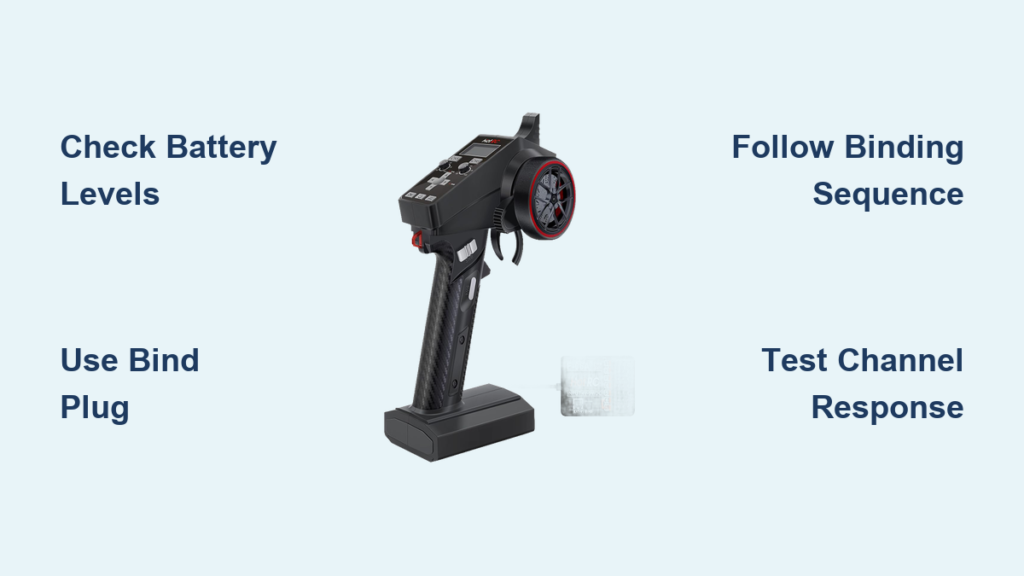
Begin with fully charged batteries in both transmitter and receiver—never attempt binding with depleted power sources. For the transmitter, remove batteries and check voltage with a multimeter; most require 8.4V for optimal binding performance. For the receiver, connect the battery pack and verify 7.4V at the receiver leads using multimeter probes. Weak batteries cause intermittent binding that fails after initial success. Professional RC racers always bind with freshly charged batteries, treating binding like a critical race procedure rather than a casual setup step.
Creating the Right Environment for Binding Success
Choose a binding location free from electronic interference and physical obstructions. An empty parking lot or backyard works better than your garage near power tools and appliances. Keep binding distance between transmitter and receiver under 12 inches—place them side by side on a non-conductive surface like wood or plastic. Turn off all nearby electronics that emit radio frequencies, including smartphones, Bluetooth speakers, and wireless game controllers. Proper environmental preparation accounts for 70% of successful binding attempts according to professional RC technicians.
Step-by-Step Binding Process for Most RC Car Systems
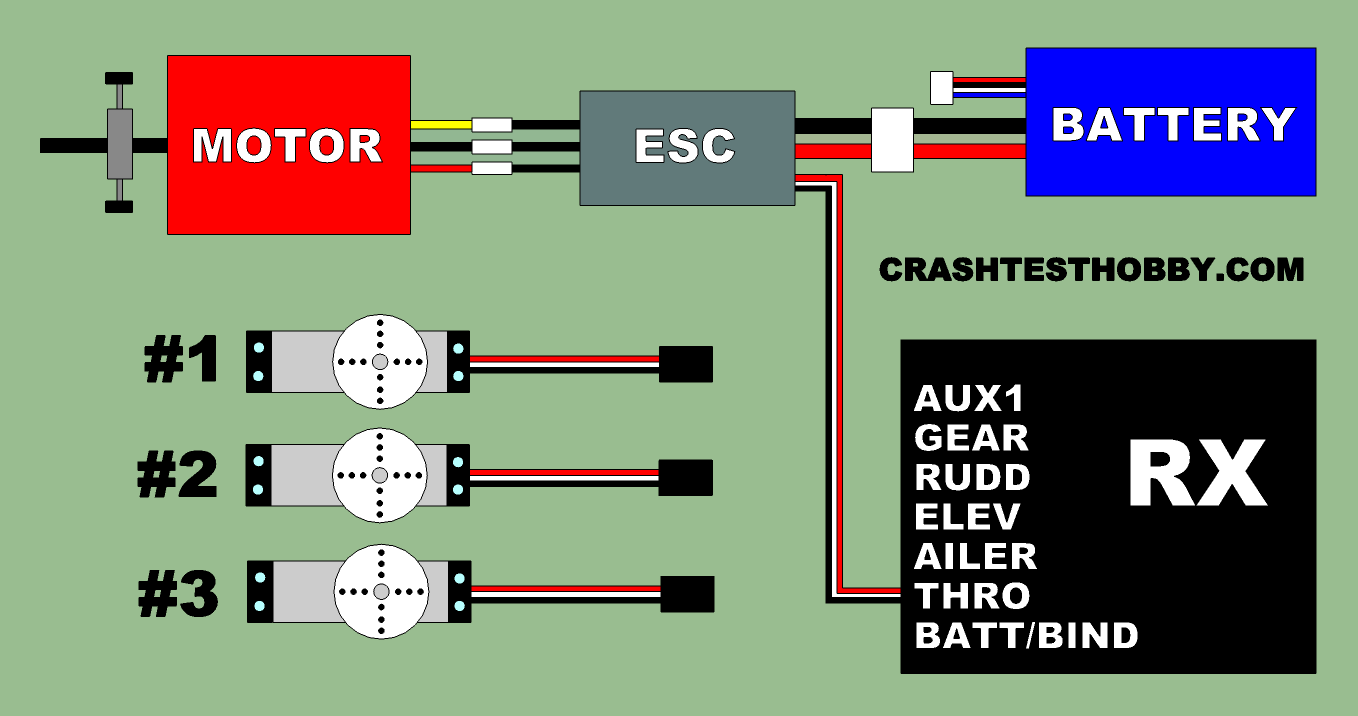
Standard Binding Procedure for 2.4GHz Systems
- Power off both transmitter and receiver completely—remove batteries if necessary to ensure full power cycle
- Locate the bind plug on your receiver (usually a small white connector near the antenna wire)
- Insert the bind plug into the receiver’s bind port while keeping the transmitter powered off
- Power on the receiver first—watch for the status LED to begin flashing rapidly (typically 3-5 flashes per second)
- Power on the transmitter within 5 seconds while holding the bind button (usually labeled “BIND” or “SET”)
- Wait for confirmation—the receiver LED will change from rapid flashing to slow pulsing (about 1 flash per second) when binding completes
- Power down both units and remove the bind plug before your first test run
This sequence must happen in precise order—transmitter power-on before receiver causes immediate binding failure. Most systems complete binding within 10 seconds; if the LED pattern doesn’t change after 30 seconds, restart the entire process.
Special Considerations for Different RC Brands

Traxxas owners should note their unique binding process: power on transmitter first, then press and hold the ” learn button” on the receiver until the LED turns solid. Arrma systems require simultaneous button presses on both units. HPI Racing models often need the steering trim centered before binding begins. Always consult your specific model’s manual for brand-specific nuances—what works for a Losi might fail completely on a Team Associated system. Many high-end hobby shops maintain binding protocol charts for major brands to prevent customer frustration.
Troubleshooting Failed Binding Attempts
What to Do When the Receiver Light Won’t Flash
If the receiver LED remains solid or completely dark after power-on, check these critical points immediately:
– Verify bind plug insertion—many plugs fit only one way and require firm pressure to seat properly
– Inspect antenna positioning—the receiver antenna must be fully extended and not coiled during binding
– Check servo connections—unplug all servos from the receiver as faulty servos can prevent binding
– Test receiver power—measure voltage directly at the receiver input leads with multimeter
If issues persist, perform a full system reset by disconnecting all power sources for 5 minutes before retrying. Sometimes electronic memory glitches require complete power drainage to clear.
Fixing “No Response” Issues After Binding
When binding appears successful (LED changes pattern) but controls remain unresponsive:
– Confirm channel assignments—throttle might be assigned to steering channel in transmitter menu
– Check failsafe settings—some systems disable output until failsafe is configured
– Verify trim positions—extreme trim settings can push controls outside operational range
– Test individual channels—move each stick slowly while watching servo movement
Reset transmitter trim to center positions before binding to avoid these post-binding surprises. Professional RC technicians always perform a channel test immediately after binding to verify signal transmission before installing components in the vehicle.
Preventing Future Binding Issues: Maintenance Tips

Regular System Checks to Ensure Continued Connectivity
Schedule binding verification tests every 10 run sessions—power cycle both units and confirm the receiver LED shows proper connection status. Inspect antenna wires for cracks or fraying that degrade signal strength. Check transmitter antenna alignment; a bent antenna reduces effective range by up to 40%. Apply dielectric grease to all electrical connectors to prevent corrosion that causes intermittent signal loss. Top RC racers treat their radio systems like critical engine components—regular maintenance prevents catastrophic failures during competition.
Storage Practices That Extend Binding Reliability
Store your RC system with transmitter and receiver powered off and batteries removed during extended downtime. Keep components in an anti-static container away from extreme temperatures—heat above 100°F damages radio circuitry. Never store with the bind plug inserted as this drains receiver memory backup power. For seasonal storage, perform a binding test before your first run after winter layup; temperature changes can disrupt electronic memory. Proper storage extends binding reliability for years rather than months.
When to Seek Professional Help for Binding Problems
If you’ve followed all binding procedures correctly through multiple attempts and still experience connection issues, seek professional assistance when:
– Binding fails with multiple known-good transmitters/receivers
– Receiver LED shows error codes (specific flash patterns)
– Physical damage exists to antenna or circuit board
– Water exposure has occurred recently
Many hobby shops offer radio system diagnostics for under $20—often cheaper than replacing components unnecessarily. Don’t continue troubleshooting for hours when a technician can identify hardware failure in minutes.
Mastering how to bind RC car transmitter and receiver properly transforms your hobby experience from frustrating to fluid. The binding process creates that essential communication bridge between your controller inputs and the car’s physical response—without it, you’re just holding an expensive paperweight. Remember to always start with fresh batteries, follow the precise sequence for your specific brand, and verify channel assignments after successful binding. When binding problems occur, systematically eliminate variables starting with power sources before assuming hardware failure. Keep your bind plug accessible in your field kit for emergency re-binding after crashes, and perform regular radio system checks to catch developing issues before they ruin your racing day. Now that you understand exactly how to bind RC car transmitter and receiver successfully, nothing stands between you and the thrill of complete control over your high-speed machine. Grab your transmitter, head to the track, and enjoy the responsive performance you’ve earned through proper radio system setup.