Losing your RC car remote or wanting more creative control options doesn’t mean your vehicle has to sit idle. Modern technology offers multiple ways to operate your remote-controlled car without the traditional transmitter, from smartphone apps to AI-powered autonomous systems. Whether you’re troubleshooting a missing remote, seeking more intuitive control methods, or exploring advanced robotics applications, understanding these alternatives will keep your RC car active and expand what’s possible with your vehicle. This guide reveals practical solutions you can implement immediately using tools you likely already own.
Smartphone Control Through Dedicated Apps

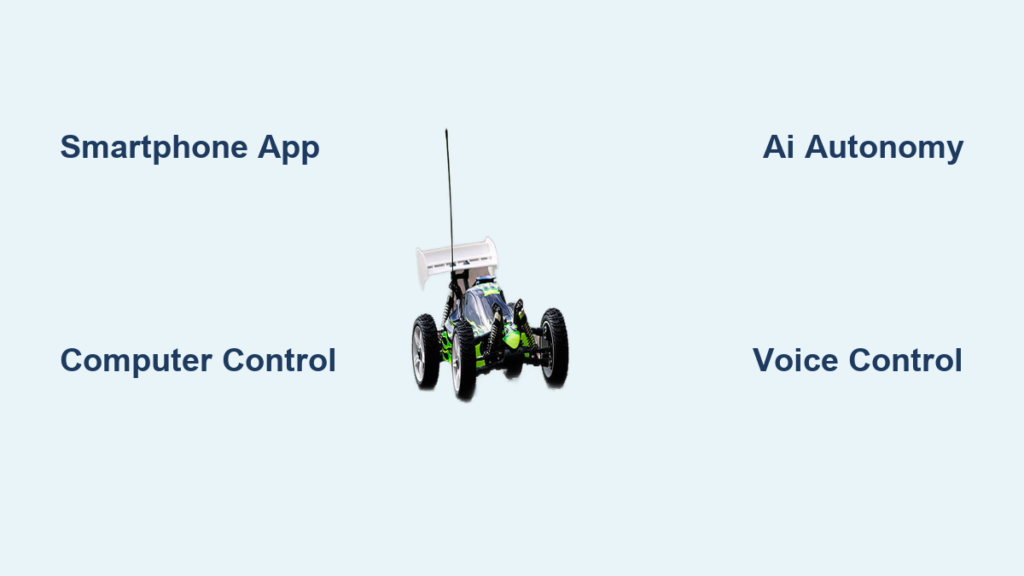
Your smartphone serves as a powerful alternative controller for most modern RC vehicles, eliminating the need for a dedicated remote. Most app-controlled RC cars connect via Bluetooth or WiFi, transforming your device’s touchscreen into an intuitive control interface with virtual joysticks and steering pads.
Bluetooth-based control delivers reliable performance within 30-100 feet depending on your phone model and environmental factors. The setup process typically involves downloading the manufacturer’s app, powering on your RC car, and pairing devices through your phone’s Bluetooth menu. Once connected, you’ll see customizable control layouts featuring throttle sliders on the left and steering wheels or directional pads on the right. Many apps enhance the experience with additional features like battery level monitoring, speed telemetry, and sensitivity adjustments that let you fine-tune acceleration response.
WiFi-connected systems significantly increase your operational range to 300+ feet by creating a direct connection between your phone and the RC car. While this approach sacrifices internet access during operation since your phone connects directly to the vehicle’s network, it enables advanced capabilities like real-time video streaming from onboard cameras. This first-person view (FPV) functionality proves especially valuable for off-road RC driving where maintaining visual contact becomes challenging. For optimal results, ensure your phone has sufficient battery life and minimize background applications that might interfere with the connection stability.
Troubleshooting Common Smartphone Control Issues
Why does my RC car disconnect when I receive notifications?
System interruptions from incoming calls or notifications can disrupt the Bluetooth connection. Enable “Do Not Disturb” mode during operation to prevent disconnections. For persistent issues, check if your RC app offers a “lock interface” feature that prevents accidental screen touches.
What should I do when my phone can’t detect the RC car?
First, verify both devices have sufficient battery power. Next, ensure your RC car is in pairing mode (usually indicated by flashing lights). If problems persist, restart Bluetooth on your phone and power cycle the RC vehicle. Some models require specific pairing sequences documented in the manufacturer’s instructions.
Computer Control Through USB or Wireless Connections
Controlling your RC car from a computer provides precision and customization options that mobile devices can’t match, particularly valuable for programming autonomous behaviors or fine-tuning control parameters. This approach transforms your keyboard and mouse into sophisticated control interfaces with measurable advantages over traditional remotes.
USB-connected systems deliver the most stable and responsive control experience by eliminating wireless interference concerns. By connecting your RC vehicle directly to a computer via USB, you bypass potential signal issues while gaining access to powerful control software. Applications like Arduino IDE, custom Python scripts, or specialized RC programming tools can send precise control signals through the connection. This method excels for testing new code, debugging autonomous functions, or simply enjoying the tactile precision of physical input devices for steering and throttle control.
Wireless computer control maintains precision while extending your operational range. Most implementations use USB wireless adapters that create connections similar to traditional RC transmitters but with significantly more flexibility. You can map any keyboard key to specific functions, create complex macros for repeatable maneuvers, and even record and playback sequences of movements. Advanced users often build custom dashboard interfaces displaying real-time motor temperatures, battery voltage, and other telemetry directly on their computer screen during operation.
Autonomous AI Control Systems

AI-driven RC cars represent the cutting edge of remote control technology, capable of navigating and driving themselves using sensors, cameras, and machine learning algorithms. This approach transforms your RC vehicle into an educational platform for robotics and autonomous systems without requiring a traditional remote.
Computer vision systems enable RC cars to recognize and follow lines, avoid obstacles, and identify specific objects using mounted cameras. A common beginner project involves installing a Raspberry Pi with a camera module running object detection software. The system processes video in real-time, identifying lane markings or paths and sending appropriate steering commands. These projects typically utilize frameworks like TensorFlow Lite or OpenCV, which run efficiently on single-board computers mounted directly on the RC chassis.
Sensor-based navigation provides reliable autonomous operation through ultrasonic distance sensors, LIDAR units, and infrared detectors that map the car’s surroundings. Many advanced autonomous builds combine multiple sensor types for comprehensive environmental awareness. For instance, an RC car might use ultrasonic sensors for close-range obstacle avoidance while relying on a camera for longer-range path planning. The programming usually involves creating reactive behaviors—simple rules like “if obstacle detected within 12 inches, turn left”—that collectively form sophisticated navigation strategies.
Voice Control Integration
Voice control transforms spoken commands into RC car movements, enabling completely hands-free operation that proves invaluable when your hands are occupied or when integrating RC functionality into broader home automation systems.
Smartphone voice assistants provide the simplest entry point to voice-controlled RC operation. Both Siri and Google Assistant can trigger actions through compatible apps or automation routines. Standard commands might include “Start the RC car” to power it up, “Drive forward slowly” to engage throttle, or “Turn left” to initiate steering. For best results, use short, consistent phrases in a quiet environment with minimal background noise. Most users find that training the system to recognize their specific voice patterns significantly improves accuracy.
Dedicated voice control modules offer more reliability and customization than smartphone assistants. These devices connect directly to your RC car’s electronics and respond to specific voice commands you’ve programmed. Some advanced modules support custom word recognition, allowing you to create unique commands that prevent accidental triggering from background conversation. The most sophisticated setups combine voice control with other input methods, enabling you to use voice commands for high-level actions (“Navigate to the living room”) while retaining manual control for precision maneuvers when needed.
Game Controller Compatibility

Video game controllers deliver familiar and highly precise interfaces for RC car operation, particularly appealing to those with gaming experience. The responsive analog sticks and physical buttons translate exceptionally well to RC driving, with many controllers supporting wireless connections that eliminate tethering limitations.
PlayStation and Xbox controllers connect wirelessly via Bluetooth to most modern RC car systems designed for smartphone control. The physical feedback from these controllers provides superior precision compared to touchscreens, and the dual analog sticks allow simultaneous throttle and steering control—a feature many smartphone apps struggle to implement effectively. Most controlling applications let you customize button mappings to match your preferences or replicate the controls of your favorite racing games.
Specialized RC game controllers take this concept further with hardware designed specifically for RC applications. These devices often include additional buttons, switches, and sliders corresponding to common RC functions like gear shifting, trim adjustment, and auxiliary device control. Some premium models incorporate screens for telemetry display, eliminating the need to monitor a separate device while driving. The build quality of dedicated RC game controllers typically exceeds standard gaming controllers, engineered to withstand the occasional drop or impact during intense driving sessions.
Choosing the Right Control Method
Selecting the best remote-free control method depends on your technical experience, desired features, budget, and intended use case. Each approach offers distinct advantages in specific scenarios, so consider your primary goals before investing time and resources.
For beginners seeking simplicity, smartphone apps provide the lowest barrier to entry since most people already own compatible devices. The setup process takes minutes rather than hours, making this ideal for casual driving and introducing newcomers to the RC hobby. While touchscreen interfaces may lack the precision of physical controls, they excel for backyard racing and spontaneous play sessions.
Enthusiasts and advanced users will appreciate the precision and customization available through computer control or dedicated game controllers. These approaches offer the tactile feedback and fine control adjustments that serious driving demands. Computer control additionally opens doors to programming and automation projects impossible with simpler solutions.
DIY enthusiasts and robotics students should explore Arduino and Raspberry Pi platforms. These projects teach valuable electronics and programming skills while producing uniquely capable RC systems. Though the initial learning curve is steeper, the resulting systems can outperform commercial alternatives in specialized applications, providing unparalleled customization and educational value.
Safety Considerations for Alternative Control Methods
Operating RC cars without traditional remotes introduces unique safety considerations that require attention. Understanding these factors ensures enjoyable and incident-free experiences regardless of your chosen control method.
Range awareness proves critical with alternative control systems, as smartphone and computer-based solutions often have different range characteristics than dedicated transmitters. Bluetooth connections may drop unexpectedly at distances where you’d expect reliable operation with a traditional remote. Always test your connection range in an open area before attempting to drive near obstacles or in locations where losing control could cause damage.
Emergency stop functionality should be a priority in any remote-free control system. Whether it’s a large keyboard key, voice command, or physical switch, having an instant way to cut power to the motors could prevent accidents. Test your emergency stop regularly and ensure it works reliably regardless of other system conditions.
Battery monitoring becomes especially important when control systems draw power from your phone or computer. Running controlling apps while your device battery is low could result in unexpected shutdowns mid-drive. Keep your controlling device fully charged and consider carrying a power bank for extended operation sessions to avoid sudden disconnections.