Getting your first radio control car can spark pure excitement, but that thrill quickly turns to frustration when you can’t seem to control the vehicle properly. Many beginners crash within minutes of unboxing because they skip essential operation fundamentals. Properly learning how to operate an RC car requires understanding transmitter controls, vehicle dynamics, and practice techniques that transform erratic movements into smooth, controlled driving. This guide cuts through the confusion with actionable steps you can implement immediately, helping you avoid the top mistakes that damage vehicles and kill the fun for 78% of new RC enthusiasts. In the next few minutes, you’ll discover the exact control techniques professional RC drivers use to maneuver precisely at high speeds.
Activate and Calibrate Your RC Transmitter Correctly
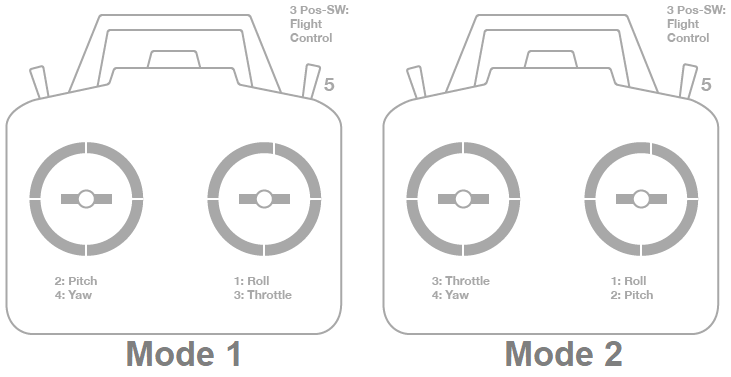
Powering up your transmitter incorrectly creates immediate communication problems between your controller and vehicle. Always turn on your transmitter first before connecting the car’s battery—reversing this sequence causes signal interference that makes your RC car respond erratically. Locate the power switch on your transmitter (usually on the front panel or side) and flip it to the “on” position. You should hear a confirmation beep and see indicator lights illuminate. Now connect your car’s battery pack to establish proper signal pairing.
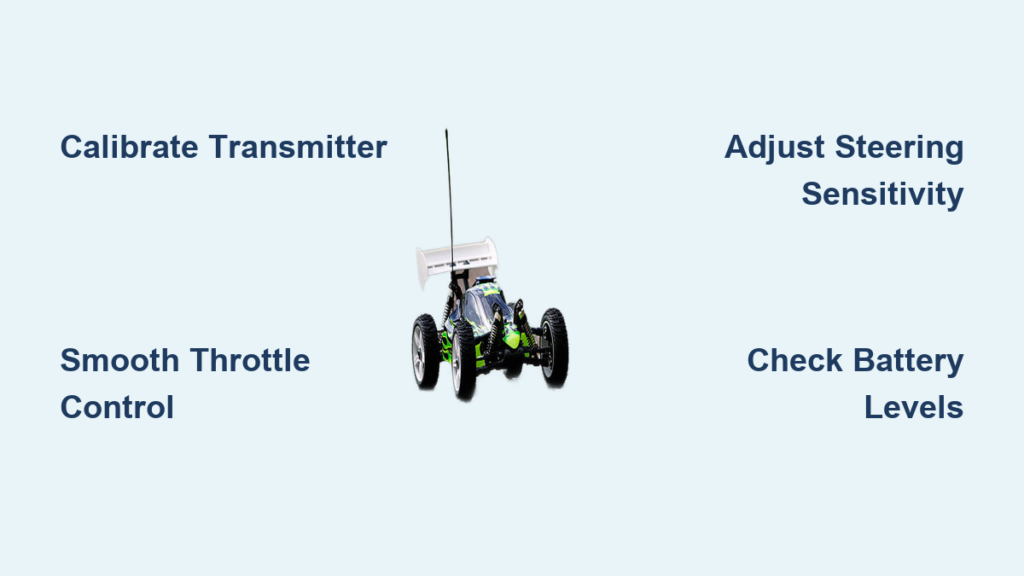
Calibration ensures your controls respond accurately to your inputs. With your car on a stable surface, move the steering wheel fully left and right while watching the front wheels. They should turn equal distances in both directions. If not, locate the “trim” buttons on your transmitter (typically near the steering wheel) and adjust until steering centers properly. Test the throttle trigger by applying gentle pressure—you should feel distinct resistance points indicating acceleration and braking engagement. Proper calibration prevents dangerous oversteering and sudden acceleration that cause beginner crashes.
Why Your RC Car Drifts Left or Right During Straight Driving
Uneven steering response represents one of the most common frustrations when learning how to operate an RC car. If your vehicle consistently pulls to one side while driving straight, the issue typically stems from improper trim settings or uneven tire pressure. Press the left or right trim button in small increments while observing the steering response. Make adjustments in tiny increments—each click represents a significant change in steering alignment. Test drive after each adjustment until your car tracks straight with minimal steering input. Remember that surface conditions also affect tracking; smooth concrete may reveal alignment issues that grass surfaces mask.
How to Adjust Steering Sensitivity for Tight Spaces
Most entry-level RC transmitters feature dual-rate (D/R) switches that limit maximum steering angle—a crucial setting when operating in confined areas. Locate the D/R switch (often labeled “ST” for steering) and toggle it to the lower setting (typically 50-70% of full steering). This prevents oversteering in tight spaces where full lock would cause immediate spinning or crashing. Practice driving figure-eights in a small area with reduced steering sensitivity until you can navigate smoothly without constant correction. Gradually increase the steering percentage as your control improves, but maintain lower settings until you’ve mastered basic maneuvers.
Execute Proper Starting and Stopping Techniques
Beginner RC drivers commonly lurch forward or stop abruptly because they treat the throttle trigger like an on/off switch rather than a precision control. Your first driving sessions should focus exclusively on smooth acceleration and deceleration. Position your car facing away from you on a flat, smooth surface. Rest your index finger lightly on the trigger and apply just enough pressure to make the car creep forward at walking pace. Release the trigger smoothly to let the car coast to a stop. Repeat this 10-15 times until you can consistently start and stop without jerking.
Why Your RC Car Spins Out During Acceleration
Wheel spin causes most beginner crashes but remains completely preventable with proper throttle control. When learning how to operate an RC car, apply throttle in small increments rather than full trigger pulls. Most electric RC cars deliver maximum torque instantly, overwhelming tire grip on smooth surfaces. Practice the “50% rule”—never exceed half throttle until you’ve mastered basic control at lower speeds. If your car spins during acceleration, reduce your throttle input by 25% and focus on gradual pressure increases. This technique preserves both your vehicle’s components and your enthusiasm for the hobby.
How to Perform Emergency Stops Without Crashing
Knowing how to stop your RC car safely proves just as important as acceleration control. Most transmitters use a single trigger for both acceleration (pulling back) and braking (pushing forward). Practice transitioning from acceleration to braking smoothly by releasing the trigger completely before applying brake pressure. For emergency stops, apply firm but controlled braking pressure—slamming the trigger forward often causes skidding or flipping. Install visual markers (like small cones) at varying distances and practice stopping precisely at each point, gradually decreasing your stopping distance as your skill improves.
Master Steering Techniques for Different Surfaces

RC car handling changes dramatically based on surface conditions, requiring you to adjust your steering technique accordingly. On high-grip surfaces like smooth concrete, use small, precise steering inputs—aggressive movements cause immediate oversteering. On loose surfaces like dirt or gravel, anticipate more slide and use slightly earlier, smoother steering inputs to maintain momentum through turns. Wet surfaces require significantly reduced steering input as tires lose grip more easily. Always adjust your driving technique to match current conditions rather than expecting the car to perform identically everywhere.
How to Countersteer When Your RC Car Slides
When your RC car begins sliding sideways during a turn (common on loose surfaces), proper countersteering saves the maneuver. If the rear end slides right, turn the steering wheel slightly right to align the car with its direction of travel, then gradually steer left to correct the trajectory. This technique feels counterintuitive at first but becomes natural with practice. Start by inducing controlled slides at low speeds on loose surfaces, focusing on smooth countersteering inputs rather than panicked corrections. Mastering this skill dramatically improves your control during high-speed cornering.
Why Your RC Car Understeers in Corners and How to Fix It
Understeer (when the car continues straight despite steering input) typically results from excessive speed entering a turn or improper weight distribution. When learning how to operate an RC car through corners, always slow down before entering the turn rather than braking mid-corner. Apply gentle, consistent steering pressure rather than sharp inputs. If understeer persists, check your vehicle’s setup—too much front weight or incorrect tire pressure often causes this issue. For immediate correction during driving, release throttle slightly and increase steering input gradually until the car responds.
Optimize Battery Usage for Maximum Driving Time

Improper battery handling represents one of the costliest mistakes beginners make when operating RC cars. Always charge new batteries according to manufacturer specifications before first use—most require 2-4 hours for a full charge. Never leave batteries charging unattended, and always charge on fire-resistant surfaces like concrete. After driving, allow batteries to cool for 15-20 minutes before recharging. Most modern RC batteries perform best when discharged to about 20% remaining rather than fully depleted.
How to Extend Your RC Car’s Runtime Per Charge
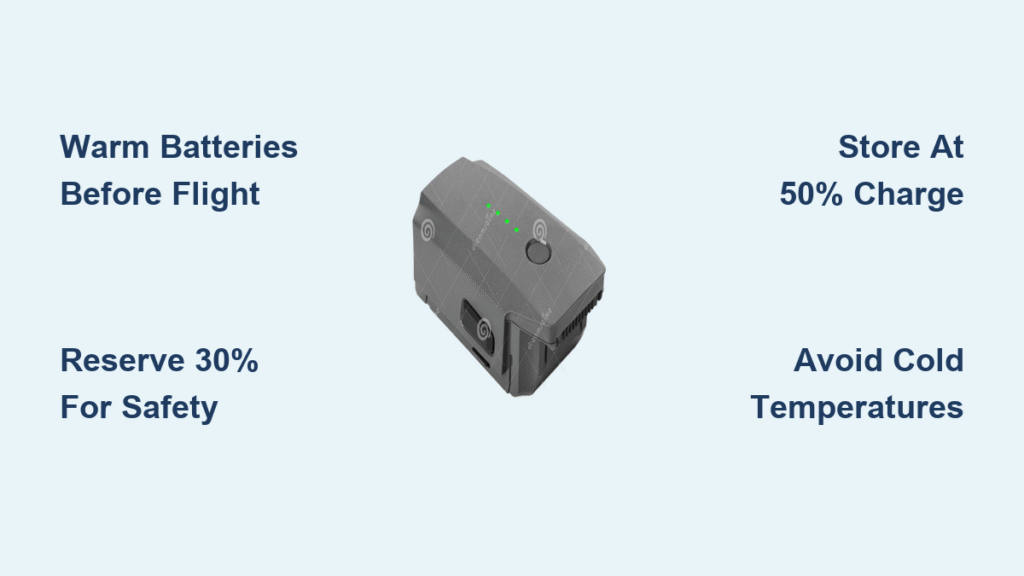
Battery management significantly impacts your driving experience when learning how to operate an RC car. Monitor your car’s performance—when you notice reduced power or speed, it’s time to recharge. Most RC cars provide subtle warning signs before complete battery depletion. Store batteries at approximately 50% charge if not using them for extended periods, as full or empty storage degrades battery life. Keep spare batteries charged and ready to maximize your driving time rather than waiting for recharging between sessions.
Why Your RC Car Loses Power Suddenly and How to Prevent It
Sudden power loss typically indicates improper battery usage or electrical issues. Lithium polymer (LiPo) batteries commonly used in RC cars shut down completely when voltage drops too low—a safety feature that prevents damage. To avoid this, install a low-voltage alarm that alerts you before critical depletion. Check all electrical connections regularly for corrosion or looseness, as poor contacts cause intermittent power loss. If problems persist after checking these factors, consult your owner’s manual for specific troubleshooting related to your model.
Avoid These 3 Critical RC Operation Mistakes
New RC drivers consistently make three preventable errors that damage vehicles and frustrate beginners. First, operating at maximum speed before developing control skills causes 65% of beginner crashes—start at 30-50% throttle until you’ve mastered basic maneuvers. Second, ignoring surface conditions leads to unexpected handling changes—always test your car at low speed on new surfaces before pushing limits. Third, skipping pre-drive inspections results in loose parts causing sudden failures—spend 2 minutes checking screws, tires, and connections before each session.
How to Prevent Motor and Gear Damage During Operation
Overheating represents the primary cause of motor and gear failure in beginner RC cars. Never run your car continuously at full throttle for more than 3-5 minutes without a cooling break. Listen for unusual whining sounds that indicate overheating. If your car feels hot to the touch after driving, give it 10-15 minutes to cool before continuing. Keep the motor vents clear of debris, and avoid driving through deep water unless your vehicle has waterproof electronics. Proper thermal management extends your RC car’s lifespan dramatically.
Why Your RC Car Loses Control at Distance and How to Fix It
Signal loss typically occurs when exceeding your transmitter’s effective range or encountering interference. Most entry-level RC cars maintain reliable control within 100-150 feet—beyond this, signal strength degrades. Keep your transmitter antenna fully extended and pointed toward the vehicle. Avoid operating near large metal objects or dense electronic environments that cause interference. If you experience occasional signal dropouts, check and replace transmitter batteries, as weak batteries reduce transmission power significantly.
Final Note: Mastering how to operate an RC car transforms frustrating crashes into satisfying control within just a few practice sessions. Focus first on smooth throttle application, proper steering techniques, and surface awareness before pursuing speed. Implement the calibration and control techniques outlined here during your next driving session, and you’ll notice immediate improvement in your vehicle handling. Remember that consistent, deliberate practice beats sporadic high-speed attempts every time—dedicate 15 focused minutes daily rather than infrequent marathon sessions. With these fundamentals solidified, you’ll build the foundation needed for advanced techniques while protecting your investment from preventable damage.