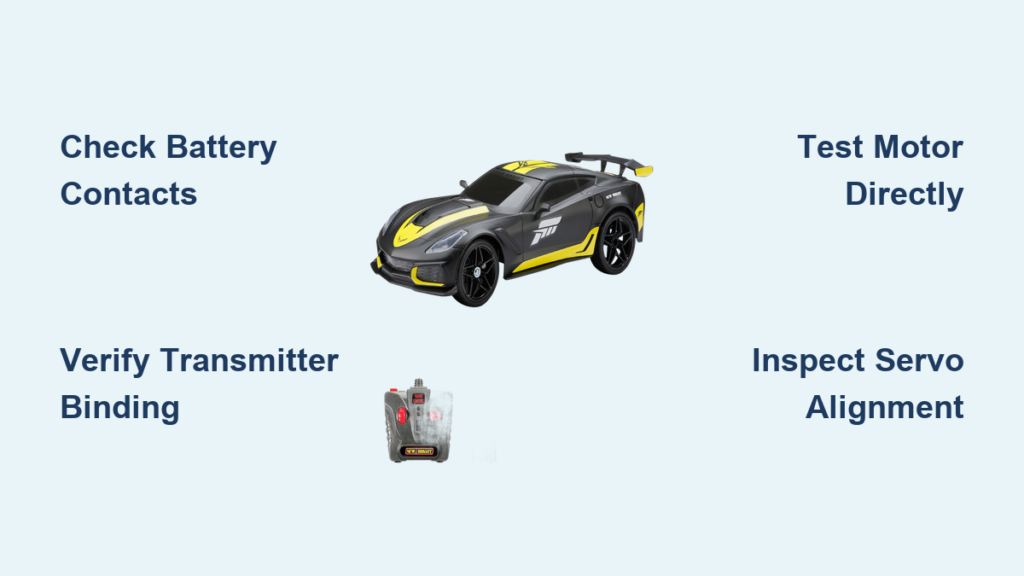
Your New Bright RC car suddenly refusing to move when you pull the trigger can turn a fun afternoon into pure frustration. Whether it’s your first RC vehicle or you’ve been racing for years, nothing kills the excitement faster than a car that won’t respond. The good news is that most New Bright RC car problems aren’t as serious as they seem and can be fixed in minutes with basic troubleshooting. This guide cuts through the confusion and gives you actionable steps to diagnose and solve the most common issues keeping your RC car stationary.
Before you give up and toss your RC car in the closet, understand that 90% of “broken” New Bright vehicles simply need battery attention, connection checks, or minor adjustments. With just a screwdriver and some patience, you can identify the root cause and get back to racing without spending a dime on replacement parts. Let’s dive straight into solving your specific problem.
Power Connection Failures That Stop Your RC Car
When your New Bright RC car won’t move at all, power connection issues should be your first investigation point. Loose battery contacts or corroded terminals cause more RC failures than actual component breakdowns, especially in frequently used vehicles.
Battery Terminal Inspection and Cleaning
Remove the battery cover and examine how the batteries sit in their compartment. Many New Bright models use simple spring-loaded contacts that can become misaligned or lose tension over time. Press each battery firmly into place and wiggle it slightly—you shouldn’t feel excessive movement. If batteries shift easily, bend the metal contacts inward slightly with needle-nose pliers to create a snugger fit.
Check for corrosion on both the battery terminals and the RC car’s contact points. Corrosion appears as a white, green, or blue powdery substance that creates electrical resistance. For light corrosion, rub the affected areas with a cotton swab dipped in white vinegar or rubbing alcohol. For stubborn buildup, gently scrub with an old toothbrush. After cleaning, wipe everything dry with a clean cloth before reinstalling fresh batteries.
Pro tip: Apply a tiny amount of dielectric grease to battery contacts after cleaning. This prevents future corrosion while maintaining excellent electrical conductivity—just be careful not to use too much, as excess grease can attract dust.
Remote Control Signal Problems
When your New Bright RC car moves erratically or responds only sometimes, radio interference or transmitter issues are usually to blame. Unlike complete power failures, these problems often come and go, making them particularly frustrating to diagnose.
Receiver Binding Verification
If your car responds inconsistently, perform a binding reset to ensure your transmitter and receiver are properly synchronized. With both transmitter and car powered off, locate the binding button on your receiver (usually a small pinhole). Press and hold this button while powering on the receiver—the indicator light should flash rapidly. While the light flashes, power on your transmitter. The light should stabilize, indicating successful reconnection.
If binding fails repeatedly, check for nearby sources of interference. Wi-Fi routers, Bluetooth devices, and even fluorescent lights can disrupt the 2.4GHz signal used by most modern New Bright RC cars. Move to a different location away from electronic devices and try again. If the problem persists, your receiver may need replacement.
Motor and Drive System Troubleshooting
When your New Bright RC car powers on but won’t move, the problem typically lies in the motor connection or drive system. Unlike power failures, these issues often produce specific symptoms that help pinpoint the exact problem.
Direct Motor Testing Procedure
Bypass the entire electronic system by testing the motor directly. Remove the motor from your RC car (usually requiring just 2-3 screws) and locate the two motor wires. Using jumper wires or stripped ends, connect the motor directly to a fully charged battery—observe correct polarity. If the motor spins when connected directly but not through your RC system, the problem is in your speed controller or wiring.
While testing, listen carefully to the motor sound. A healthy motor produces a smooth, consistent whine. If you hear grinding, clicking, or inconsistent speed, inspect the motor shaft for obstructions. Remove any hair, string, or debris wrapped around the shaft that might be preventing proper rotation. For persistent grinding noises, the motor bearings likely need replacement.
Steering Mechanism Fixes
A New Bright RC car that moves forward but won’t steer properly creates dangerous driving conditions and indicates specific mechanical or electronic failures. Unlike complete non-operation, steering problems often develop gradually, giving you warning signs before total failure.
Servo Horn Alignment Check
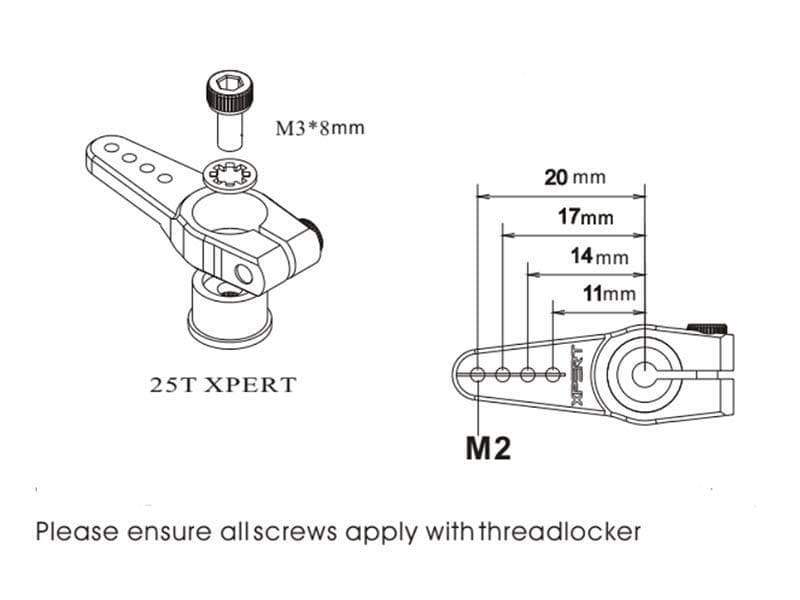
Remove the front wheels to access the steering mechanism. With the power on, slowly move the steering control on your transmitter from full left to full right. Watch how the servo arm moves—it should travel the same distance in both directions. If movement is uneven, the servo horn is likely misaligned.
Power off your RC car and transmitter. Remove the servo horn (the plastic piece attached to the servo motor shaft) and reposition it so the wheels point straight ahead when the horn is centered. Reattach the horn with the wheels straight, ensuring the horn sits flush against the servo shaft. This simple realignment solves most one-sided steering problems in New Bright vehicles.
Common mistake to avoid: Forcing the servo horn onto the shaft when the wheels aren’t centered. This strains the servo gears and leads to premature failure.
Water Damage Recovery Steps
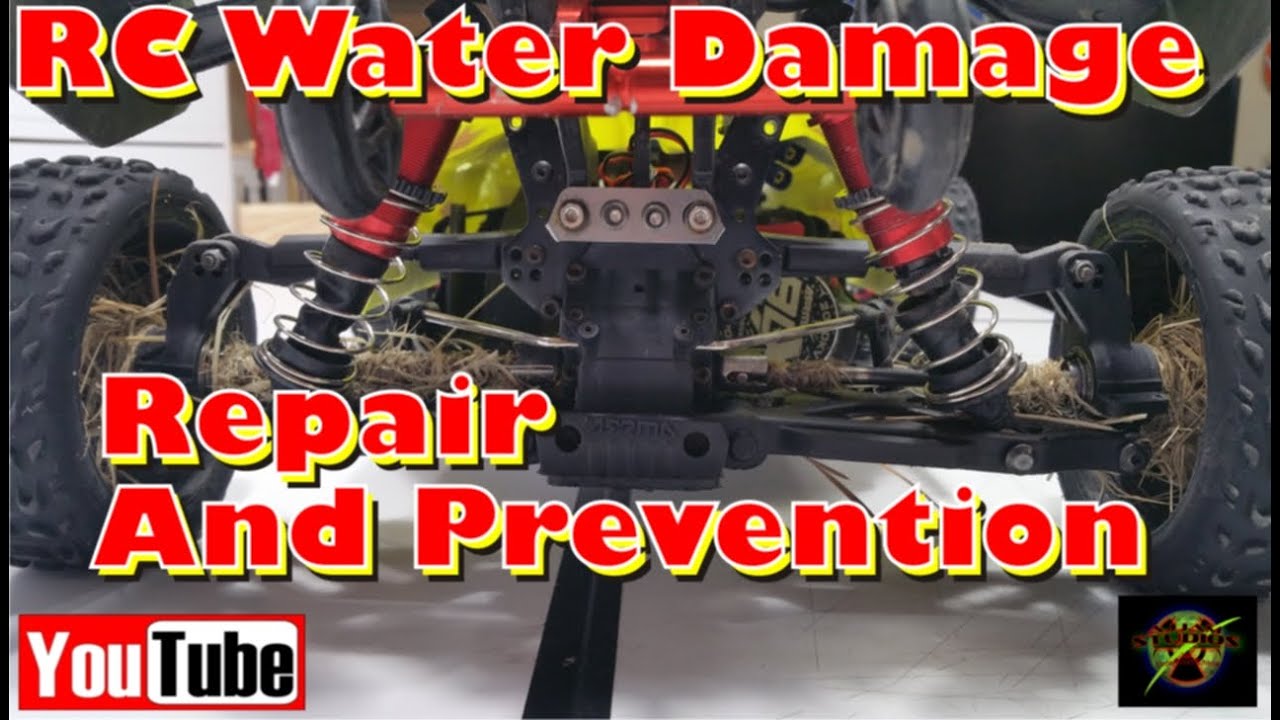
Water exposure creates some of the most challenging New Bright RC car problems because symptoms often appear days or weeks after the initial incident. Even brief exposure to moisture can cause corrosion that gradually worsens until your vehicle stops working completely.
Immediate Drying Protocol
If your RC car gets wet, immediate action gives you the best chance of recovery. First, remove all batteries from both the car and transmitter—don’t skip this step, as continuing to power a wet circuit accelerates damage. Disassemble the vehicle as much as possible, removing body panels, wheels, and any accessible electronics.
Place all components in a container filled with uncooked rice or silica gel packets for at least 72 hours. The drying time is critical—rushing this process leaves moisture trapped inside components. After drying, carefully inspect all circuit boards for white, crusty corrosion deposits. Use a soft toothbrush dipped in 90% isopropyl alcohol to gently clean affected areas, then allow everything to dry completely before reassembly.
Preventative Maintenance Schedule
Regular maintenance prevents most New Bright RC car failures before they happen. A simple routine takes just minutes after each driving session but saves hours of troubleshooting later.
Post-Run Cleaning Checklist
After every use, follow this 5-minute maintenance routine:
– Remove visible dirt and debris from wheels, axles, and suspension
– Check all screws and fasteners for tightness (loose screws are the #1 cause of mysterious failures)
– Inspect tires for embedded debris that could affect handling
– Verify smooth movement of steering linkages
– Wipe down the chassis with a dry cloth to remove dust
For monthly maintenance, perform a more thorough inspection:
– Clean battery contacts with a cotton swab and alcohol
– Check motor shaft for smooth rotation
– Examine wiring for fraying or damage
– Verify proper gear mesh in the transmission
– Test transmitter range in an open area
When to Replace Rather Than Repair
Some New Bright RC car problems aren’t worth fixing, especially for entry-level models where replacement parts approach the cost of a new vehicle. Knowing when to cut your losses saves both time and money.
Cost-Benefit Repair Analysis
If your RC car requires multiple component replacements (motor, receiver, and steering servo), calculate whether the repair cost exceeds 50% of a new vehicle’s price. For most New Bright models under $50, replacement often makes more financial sense than extensive repairs.
Additionally, consider the vehicle’s age. RC technology improves rapidly, and newer models often offer better performance, range, and durability. If your vehicle is more than 2-3 years old, you might find a superior replacement for similar cost, especially during seasonal sales.
Final Note: Most New Bright RC car problems stem from simple connection issues or minor mechanical failures that you can fix in under 15 minutes. Start with the easiest possibilities—battery connections and transmitter binding—before moving to more complex repairs. By implementing the preventative maintenance schedule, you’ll dramatically reduce future problems and extend your RC car’s lifespan. Remember that regular care takes just minutes but prevents hours of troubleshooting, keeping you focused on what really matters: the thrill of racing. When in doubt, consult New Bright’s official support resources for model-specific guidance before attempting complex repairs.