Your Nikko RC car suddenly won’t turn on after working perfectly yesterday. Maybe the steering has gone completely haywire, or the vehicle veers sharply to one side despite your best efforts to correct it. These frustrating failures happen to every RC enthusiast at some point, but the good news is that most Nikko RC car issues can be diagnosed and fixed with basic troubleshooting skills and simple tools. Unlike expensive hobby-grade models, Nikko’s entry-level to mid-range RC vehicles are designed with repairability in mind, making DIY fixes both practical and cost-effective.
Nikko has been a staple in the radio control market for decades, producing reliable vehicles that introduce beginners to the hobby while offering enough durability for casual racing and off-road adventures. While these cars are generally robust, they do require occasional maintenance and repair to maintain peak performance. Understanding how your specific Nikko model works, recognizing common failure points, and knowing proper repair techniques can save you hundreds of dollars in replacement costs and keep your car running season after season.
This guide delivers targeted solutions to the most frequent Nikko RC car problems, with step-by-step repair instructions you can implement immediately. Whether you’re dealing with electrical failures, steering malfunctions, or motor issues, you’ll find practical fixes that get your RC car back on track in minimal time.
Fix Dead Battery and Power Issues Immediately

When your Nikko RC car won’t power up at all, the battery system is almost always the first place to check. Many owners mistakenly assume their car has serious internal damage when the problem is simply a dead or failing battery pack. Proper diagnosis of power issues saves you from unnecessary part replacements and gets you back to driving faster.
Test and Replace Faulty Batteries
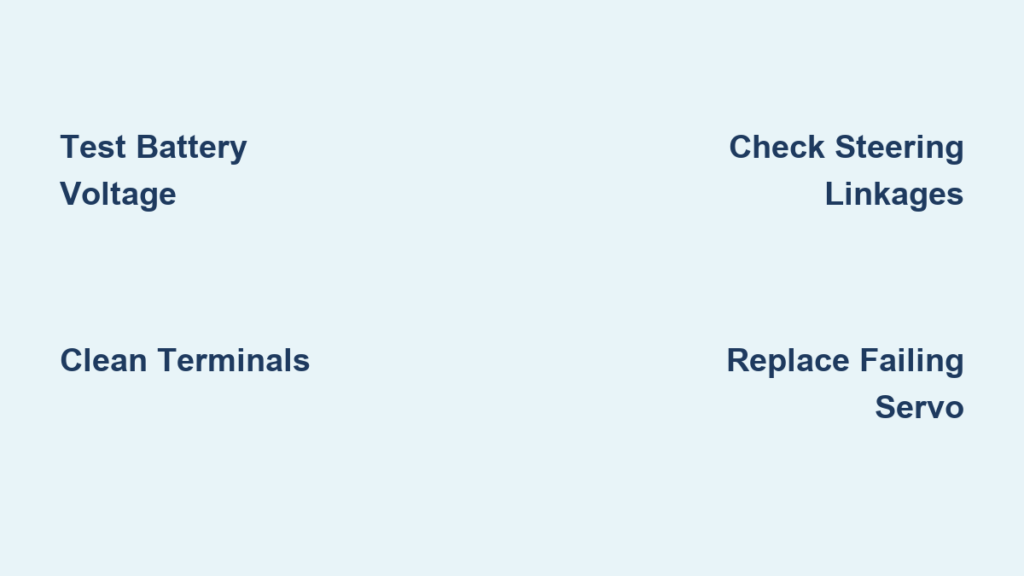
Begin by checking your battery voltage with a multimeter—fully charged NiMH batteries should read around 1.2V per cell (7.2V for a standard 6-cell pack). If your reading is significantly lower than expected, the battery may be at fault. Weak batteries cause symptoms that mimic more serious problems, including sluggish performance, intermittent operation, or complete failure to power on.
Inspect the battery terminals for corrosion, especially if you’ve used your car in damp conditions. Corroded terminals create poor electrical connections that prevent proper power delivery. Clean affected terminals with a cotton swab dipped in vinegar or isopropyl alcohol, then dry thoroughly before reinstallation. For severely corroded terminals that won’t clean properly, replacement is the safest option to ensure reliable connections.
If your battery shows physical damage like swelling, leaks, or dents, replace it immediately. Damaged batteries can cause permanent harm to your RC car’s electronics and pose safety risks. When purchasing replacements, match the voltage, capacity (measured in mAh), and physical dimensions to your original battery to ensure compatibility with your Nikko model’s electronics.
Verify Charger Functionality
A malfunctioning charger often gets blamed on the car itself. Test your charger by connecting it to a known-good battery and monitoring the charging process. A working charger should show clear charging indicators (usually LED lights) and complete the charging cycle within the expected timeframe.
Check charger connections for bent pins or debris that could interfere with proper contact. Clean charging ports with compressed air or a soft brush to remove accumulated dust. If your charger consistently fails to charge multiple batteries properly, it’s time for replacement. Modern smart chargers with multiple safety features are worth the investment for protecting your battery investments.
Repair Steering System Failures in 15 Minutes
Steering problems are among the most common Nikko RC car issues, transforming what should be a responsive vehicle into an unmanageable drift machine. The good news is that most steering failures stem from easily accessible components that you can fix with basic tools and minimal technical knowledge.
Fix Loose Steering Linkages
Worn steering linkages cause imprecise control and unpredictable handling. To check for linkage wear, power on your transmitter and receiver, then manually move the front wheels left and right while observing the servo arm and connecting rods. Any visible play between components indicates worn parts needing replacement.
Replace worn ball cups and turnbuckles with identical Nikko parts or compatible hobby store replacements. When installing new linkages, ensure proper tension—too loose creates sloppy steering, while too tight strains the servo motor. The ideal adjustment allows smooth movement without detectable play when gently wiggling the steering components.
Pro Tip: Apply a tiny drop of thread locker to turnbuckle connections after proper adjustment to prevent them from working loose during operation, but avoid getting any on the ball joints themselves.
Diagnose and Replace Failing Servos
A failing servo produces symptoms like slow response, steering drift, or complete loss of directional control. Test your servo by removing it from the car and connecting it directly to the receiver. Move the steering control on your transmitter while observing the servo output shaft—it should move smoothly through its full range without hesitation or grinding noises.
If your servo shows signs of failure, replacement is usually more cost-effective than repair. When installing a new servo, center it before attaching the servo horn by holding the steering trim centered on your transmitter. This ensures equal left and right steering throw for balanced handling. Secure the servo with fresh screws to prevent vibration damage, and route the wiring away from heat sources and moving parts.
Restore Motor Performance with Simple Maintenance
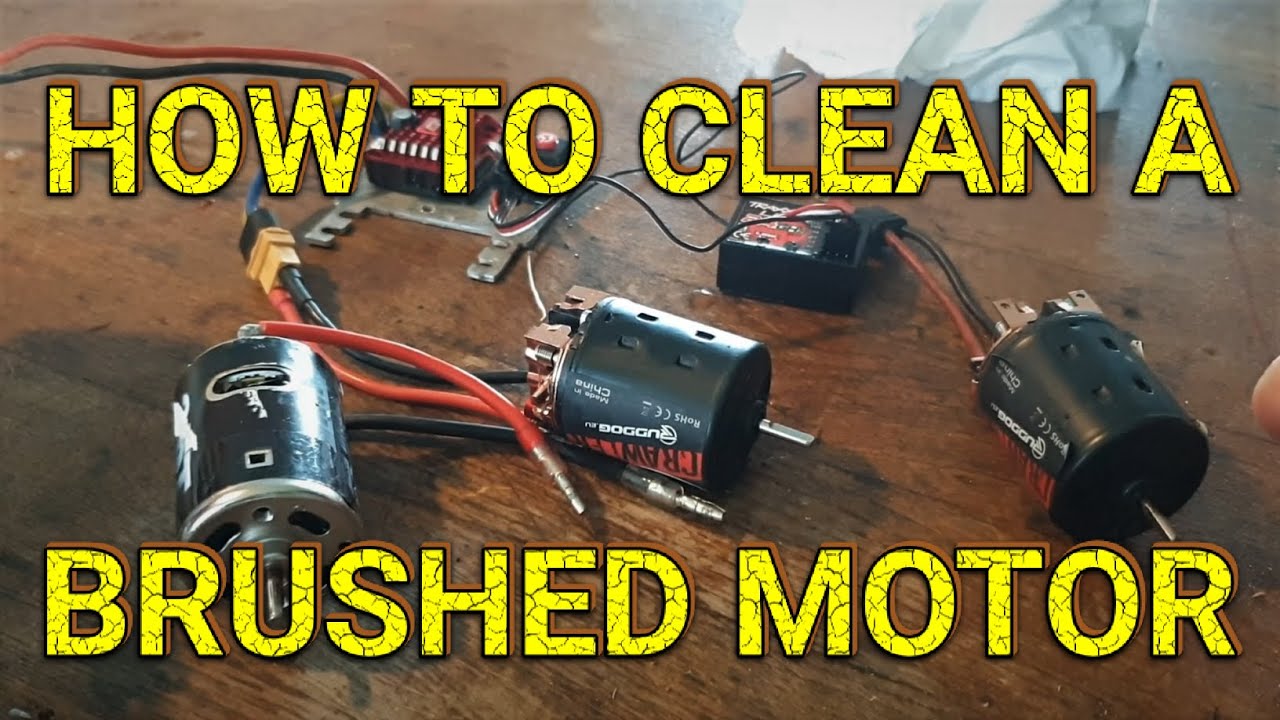
Reduced speed, unusual noises, or complete loss of propulsion typically point to motor or drivetrain issues. Most Nikko RC cars use brushed motors that benefit from regular maintenance, which can significantly extend their operational life and maintain peak performance.
Clean and Maintain Brushed Motors
Remove the motor from your Nikko RC car and inspect the brushes through the access ports. Worn brushes show significant reduction in size and may leave excessive carbon dust inside the motor housing. Replace brushes when they’re worn down to about half their original length.
Clean the commutator (the copper segments on the motor shaft) using a commutator cleaning stick or fine-grit sandpaper. Gently rotate the shaft while cleaning to ensure even treatment of all segments. After cleaning, blow out any remaining dust with compressed air—never use liquids that could damage internal components.
Lubricate the motor bearings with a single drop of lightweight RC motor oil at each end. Over-lubrication attracts dirt and can cause electrical issues, so use oil sparingly. Reinstall the motor with proper gear mesh—there should be slight resistance when rotating the pinion gear against the spur gear, but not enough to bind.
Check Drivetrain Components
Inspect drive shafts for bends or cracks that cause vibration and power loss. Bent shafts must be replaced as they cannot be straightened without compromising strength. Check universal joints for smooth rotation in all directions—any binding or play indicates wear requiring replacement.
Examine transmission gears for stripped or broken teeth. Damaged gears produce grinding noises and should be replaced immediately to prevent further damage to the drivetrain. When installing new gears, verify proper meshing by rotating the assembly by hand—it should turn smoothly without binding spots.
Prevent Future Problems with Proper Maintenance
Regular maintenance prevents most common Nikko RC car failures and extends your vehicle’s lifespan significantly. Spending just 10 minutes after each use keeps your car in top condition and avoids the frustration of unexpected breakdowns during your next driving session.
Create a Simple Maintenance Routine
After every drive, remove debris from the chassis, wheels, and suspension components using a soft brush or compressed air. Check all visible screws and fasteners for tightness, as vibration during operation can loosen them over time. Inspect tires for embedded debris that could affect handling or cause imbalance.
Monthly maintenance should include lubricating moving parts with appropriate RC-specific lubricants. Apply grease to suspension pivot points and gear oil to transmission components. Check steering linkages for wear and verify proper servo operation. Clean motor vents to prevent overheating during operation.
Store your Nikko RC car with the battery at approximately 50% charge in a cool, dry location away from direct sunlight. Fully discharged batteries can suffer permanent damage, while fully charged batteries degrade faster during storage. Disconnect the battery from the car to prevent slow discharge through the electronics.
Troubleshoot Radio Control Issues Quickly

Radio problems can make your Nikko RC car feel completely unresponsive or behave erratically. These issues often stem from simple causes that you can address without specialized equipment or technical expertise.
Resolve Signal Interference Problems
If your car responds intermittently or only at close range, interference is likely the culprit. Move away from potential interference sources like Wi-Fi routers, cordless phones, or other RC vehicles. For crystal-based systems, ensure your transmitter and receiver use matching crystals and operate on a clear frequency channel.
Check your transmitter batteries—they should be replaced regularly even if they seem to have power left. Weak transmitter batteries cause weak signals that result in poor range and erratic behavior. Install fresh, high-quality alkaline batteries for optimal performance.
Verify proper antenna positioning on both transmitter and receiver. The receiver antenna should be fully extended and routed away from motor wiring and other electrical components. A coiled or damaged antenna significantly reduces effective range and signal quality.
When issues persist after checking these basics, perform a receiver bind procedure according to your Nikko model’s specifications. This re-establishes the communication link between transmitter and receiver and often resolves stubborn control issues.
By addressing these common problem areas systematically, you’ll spend less time troubleshooting and more time enjoying your Nikko RC car. Most repairs require only basic hand tools and can be completed in under 30 minutes, making DIY maintenance the smart choice for keeping your RC vehicle in top condition season after season.